Data & Security
How Pension Planner stores your data
A plain-English explanation of local scenario storage, backups and device-to-device transfer.
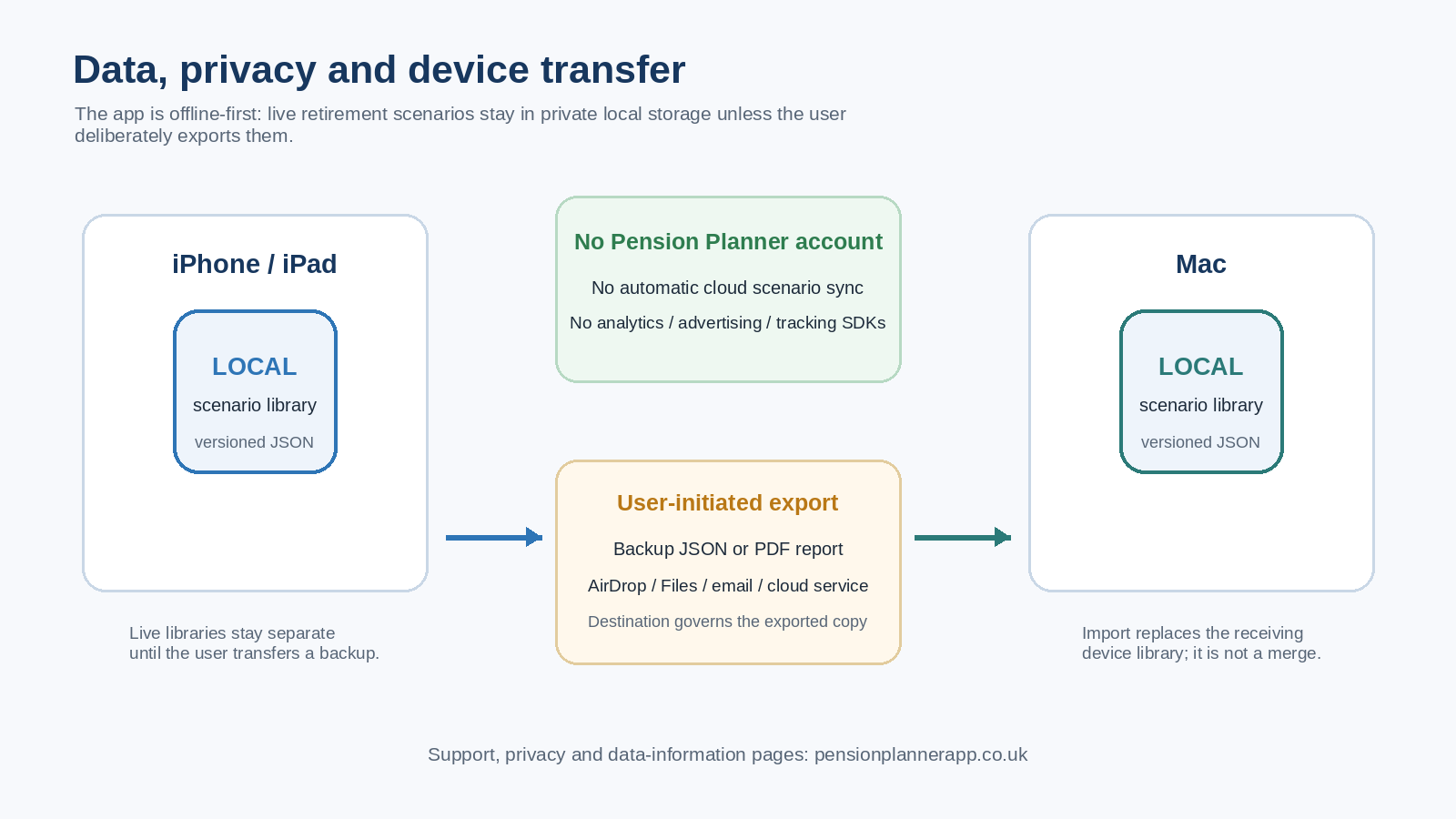
Local storage by default
Pension Planner’s scenario library is stored in the app’s private Application Support area. The app uses versioned JSON persistence and keeps a previous valid local file as a recovery backup when saving.
iPhone and Mac are separate
The iPhone/iPad and Mac versions share the same core retirement modelling logic, but their live scenario libraries are separate. Pension Planner does not automatically synchronise scenarios through iCloud or a Pension Planner cloud service.
Manual backup transfer
Settings → Data can export the complete scenario library as a backup file. You can then transfer that file using Apple’s sharing mechanisms or another destination you choose.